
Every screen. Every filter. One click.

"Can you pull a report on that?" In most practice management systems, the answer is a phone call to the vendor, a week-long wait, and a CSV that doesn't quite match what you asked for.
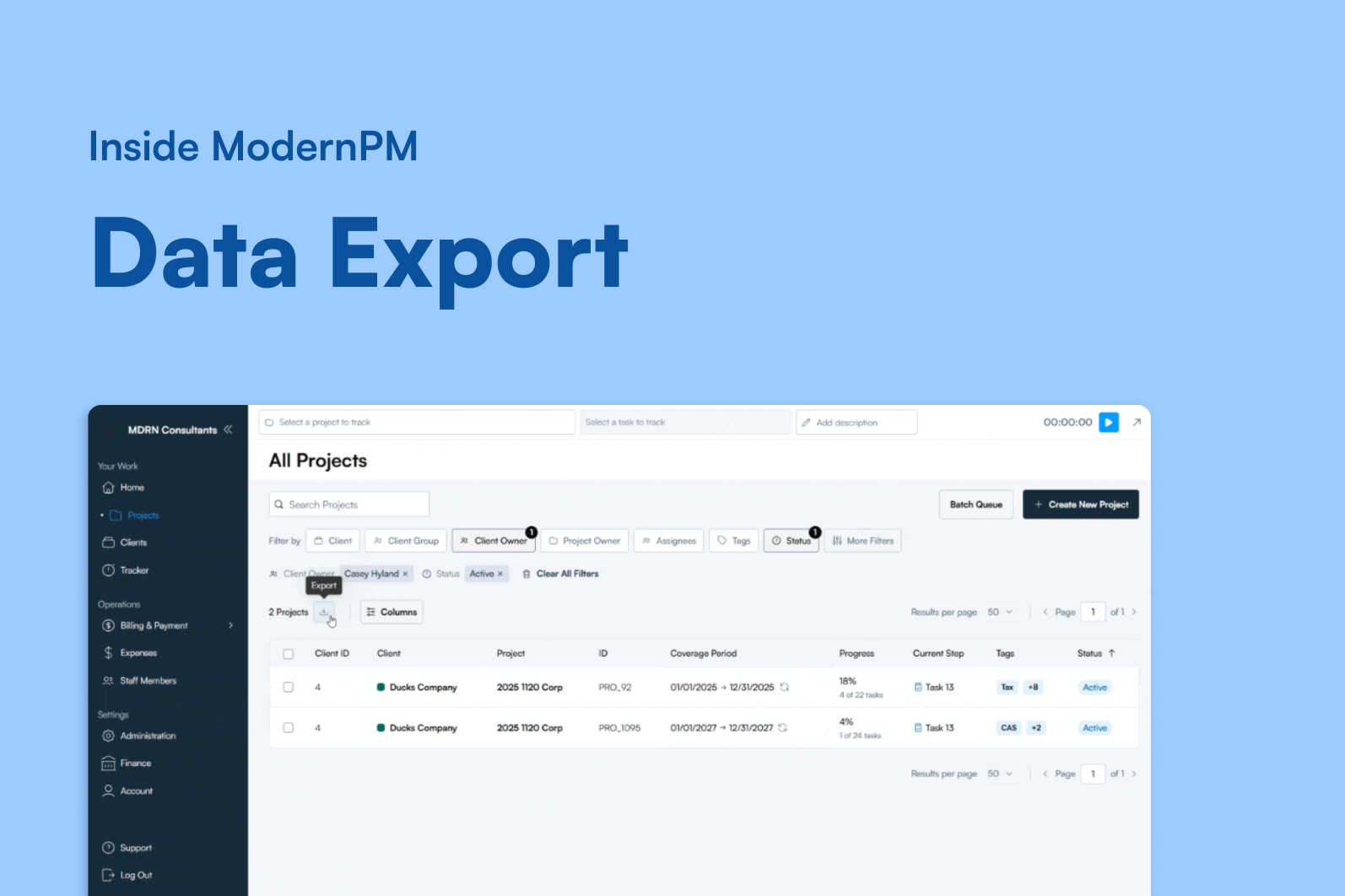
ModernPM's answer is simpler: every screen has an export button. You filtered it, you get it.
What Actually Exports
Every major view in ModernPM exports exactly what you've filtered: billing, WIP, receivables, clients, deposits, staff members, project templates, and all expense types. Exports respect your active filters and sort order — what you see is what you get. No mystery columns, no missing records, no surprise data that wasn't on screen.
Custom fields export with permission controls intact. If someone doesn't have permission to see a field in the system, that field doesn't appear in their export. No back-door access to sensitive data through a CSV download.
For Power Users
Whether you're feeding Power BI, building a partner review deck, or just answering a client question, the data is always a click away. No custom reports. No vendor involvement. No waiting.
The Bottom Line
The days of calling your vendor for a custom report are over. Your data should be yours — accessible, accurate, and exactly what you asked for.
