
Your tables, your way — show what matters, hide what doesn't.

A biller doesn't need to see what a partner sees. A partner doesn't need to scroll past columns that are only relevant to staff scheduling. But in most practice management systems, everyone sees the same table — and nobody sees exactly what they need.
ModernPM's custom columns fix that without requiring an IT ticket or a support call.
Per-User, Persistent Configuration
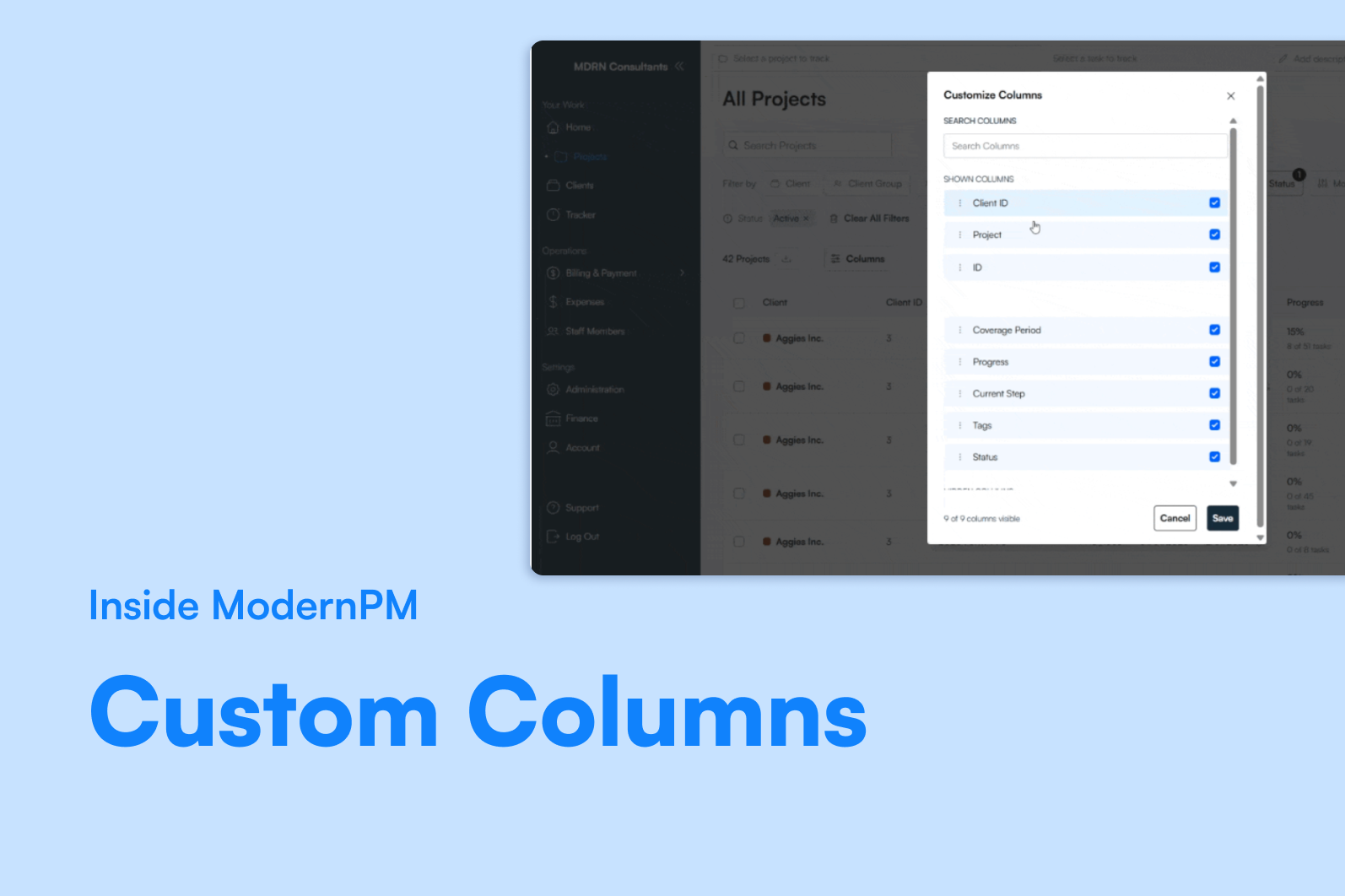
Every user can show, hide, and reorder columns across every major table in ModernPM: clients, projects, WIP, receivables, deposits, expenses, and staff members. Changes persist per user — so billers see what they need, partners see what they need, and nobody's scrolling past irrelevant data to get to the columns that actually drive their decisions.
Drag-and-drop reordering means prioritizing the columns that matter is a five-second task, not a settings page adventure. Set it once, and it stays the way you left it.
Why It Matters
Data overload is a real problem in practice management. When every column is always visible, users stop seeing what's important. Custom columns aren't a nice-to-have — they're what makes a complex system feel simple for the people who use it every day.
The Bottom Line
Per-user. Persistent. No IT ticket required. Your tables should show what you need to see — not what someone else decided mattered.
