
Lock the period, reconcile everything, move on — fast.

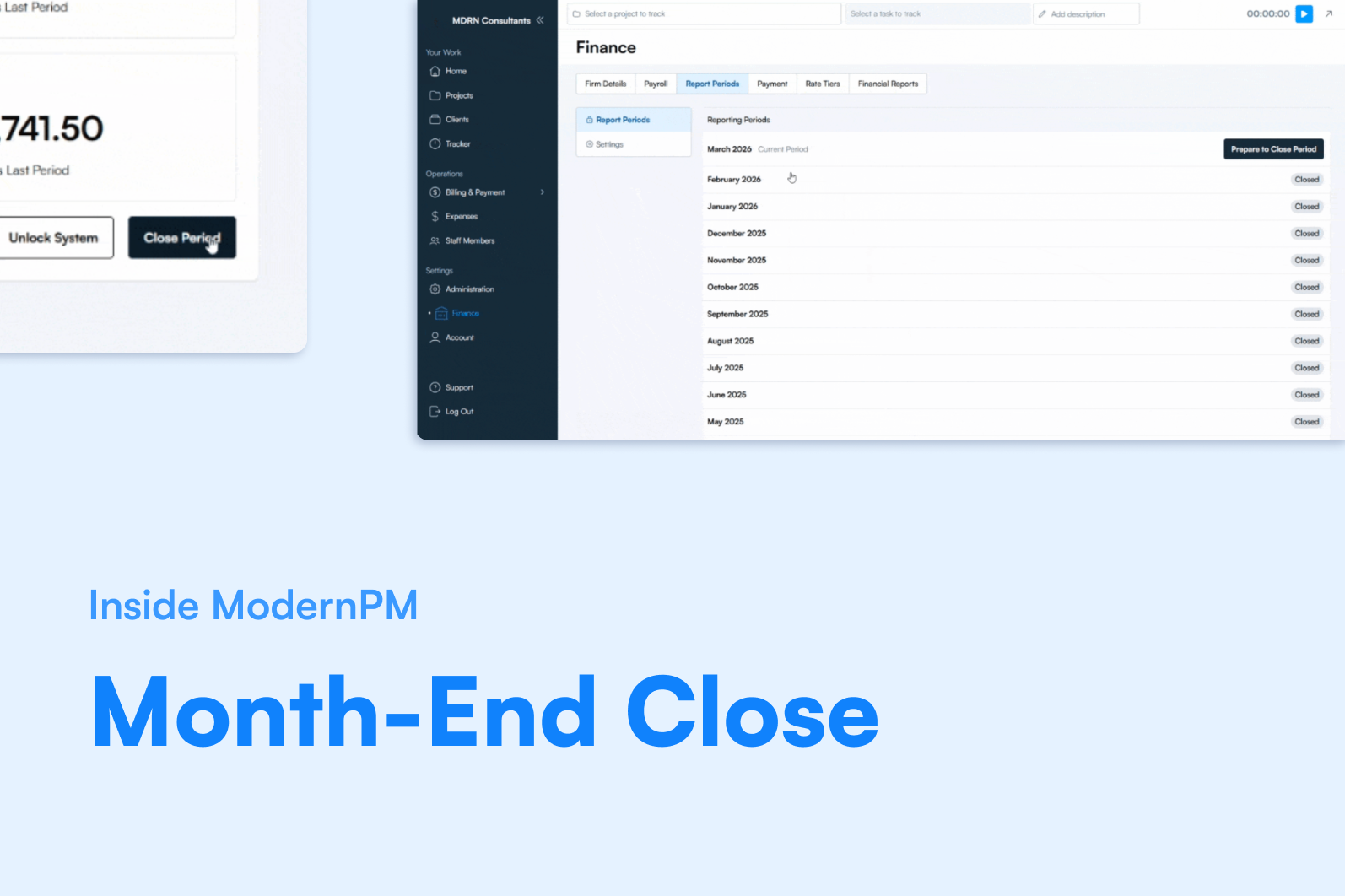
Month-end close used to mean: "Everyone stop what you're doing." A scramble to figure out what's open, what's unallocated, what landed in the wrong period, and whether the numbers actually balance before the lock goes in.
ModernPM compresses that into a guided workflow that surfaces the problems before they become problems.
The Pre-Close Checklist
The Prepare to Close screen surfaces unresolved items — unallocated expenses, unassigned invoices, open time entries — before you lock the period. Nothing lands in the wrong period because the system tells you what's unresolved before you commit. Close day is a Tuesday, not a crisis.
The close process validates activity and balances to provide confidence at month-end, not fear. You're not hoping the numbers are right. You can see that they are.
Timesheet Locks Between Closes
Standard weeks that don't involve a month-end close have their own controls. Timesheet locks run on an automated schedule — or can be manually opened and closed with appropriate permissions. You control when the week locks to prevent additional time entries from creeping in, without waiting for a full period close to enforce it.
The Bottom Line
Month-end close is a Tuesday, not a crisis. Pre-close validation catches the open items before the lock goes in. That's what a close process should feel like.
